Trusted by



01Create with your AI
A presentation in minutes.
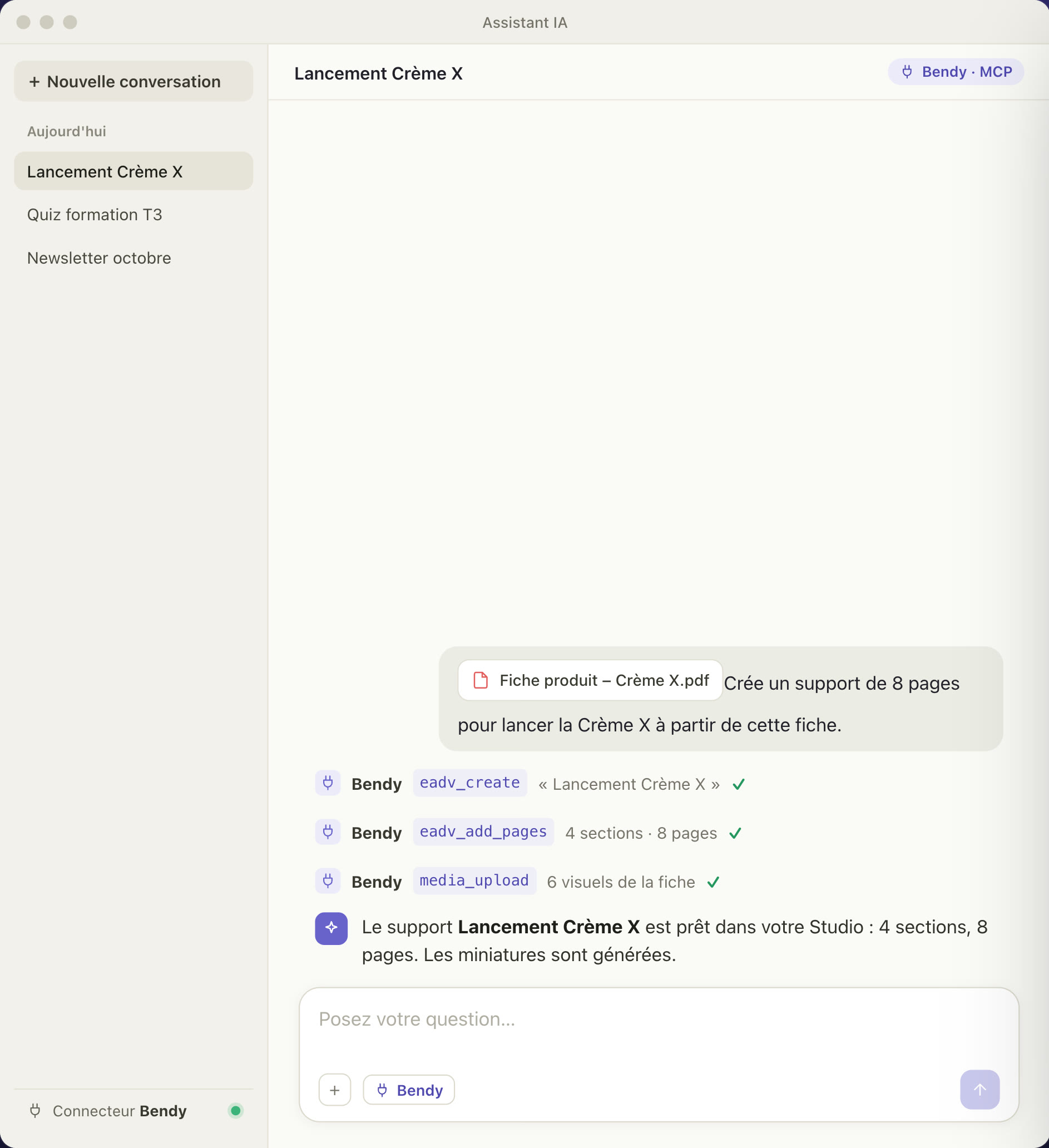
Give the product sheet to your AI assistant and describe the presentation you want. Through the Bendy connector, it creates the sections, pages and visuals right in your Studio.
Works with Claude, ChatGPT, Copilot or any other MCP-compatible assistant.
1
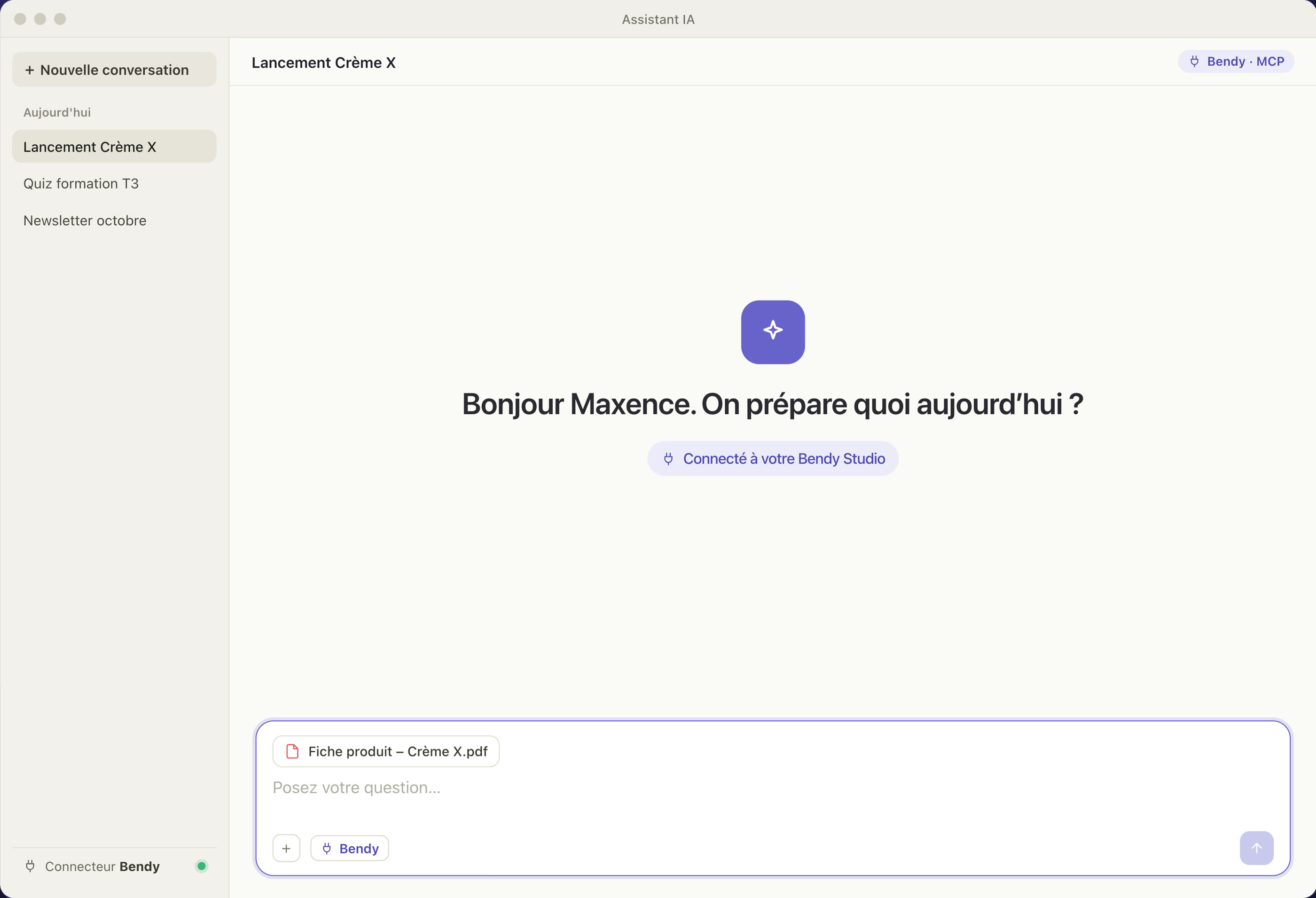
Drop in your sheet
Product sheet, study, campaign brief: drag it into your AI assistant, as a PDF or as text.
2
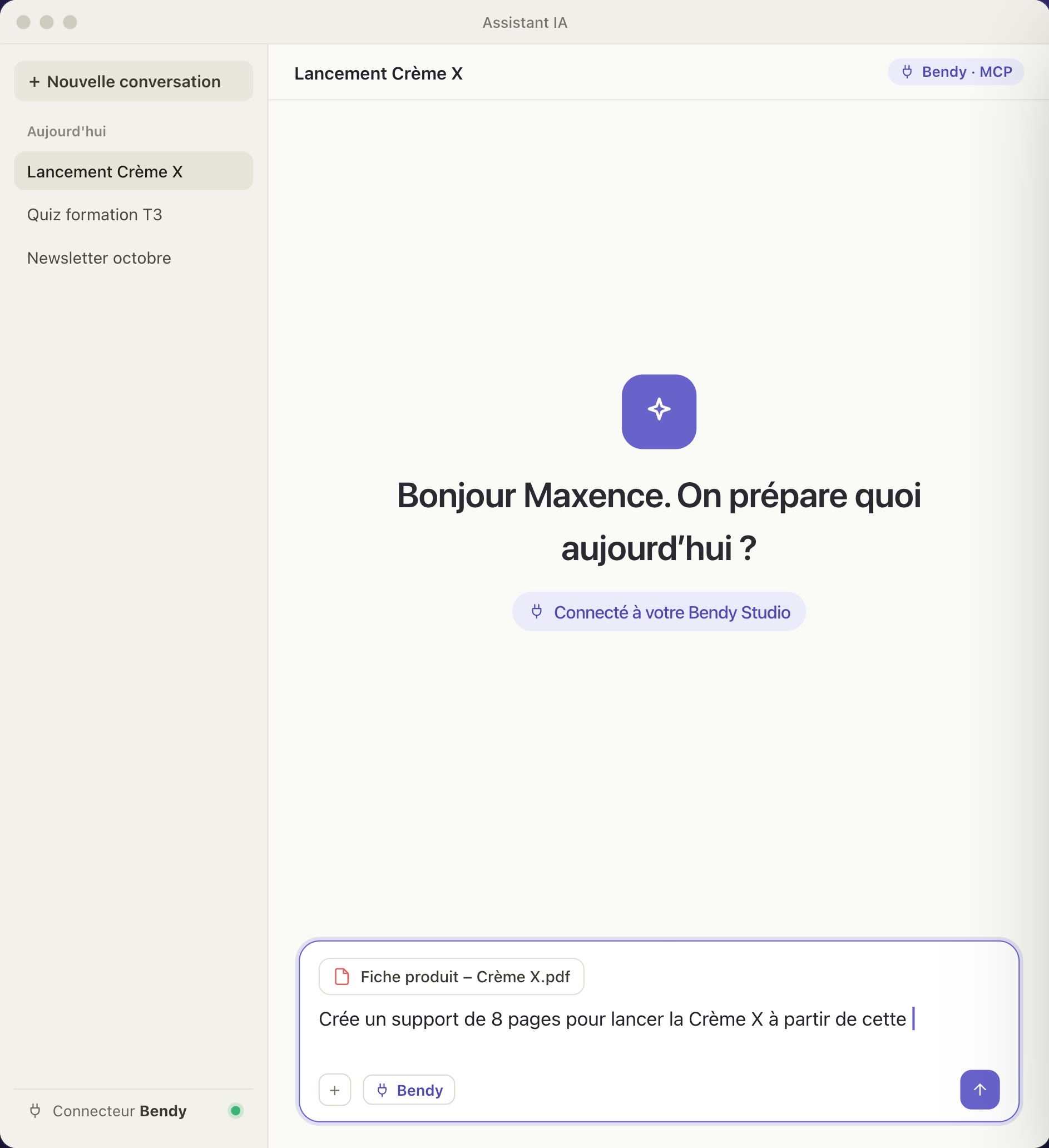
Describe the presentation
“Create an 8-page presentation to launch Crème X from this sheet.” One sentence is enough.
3
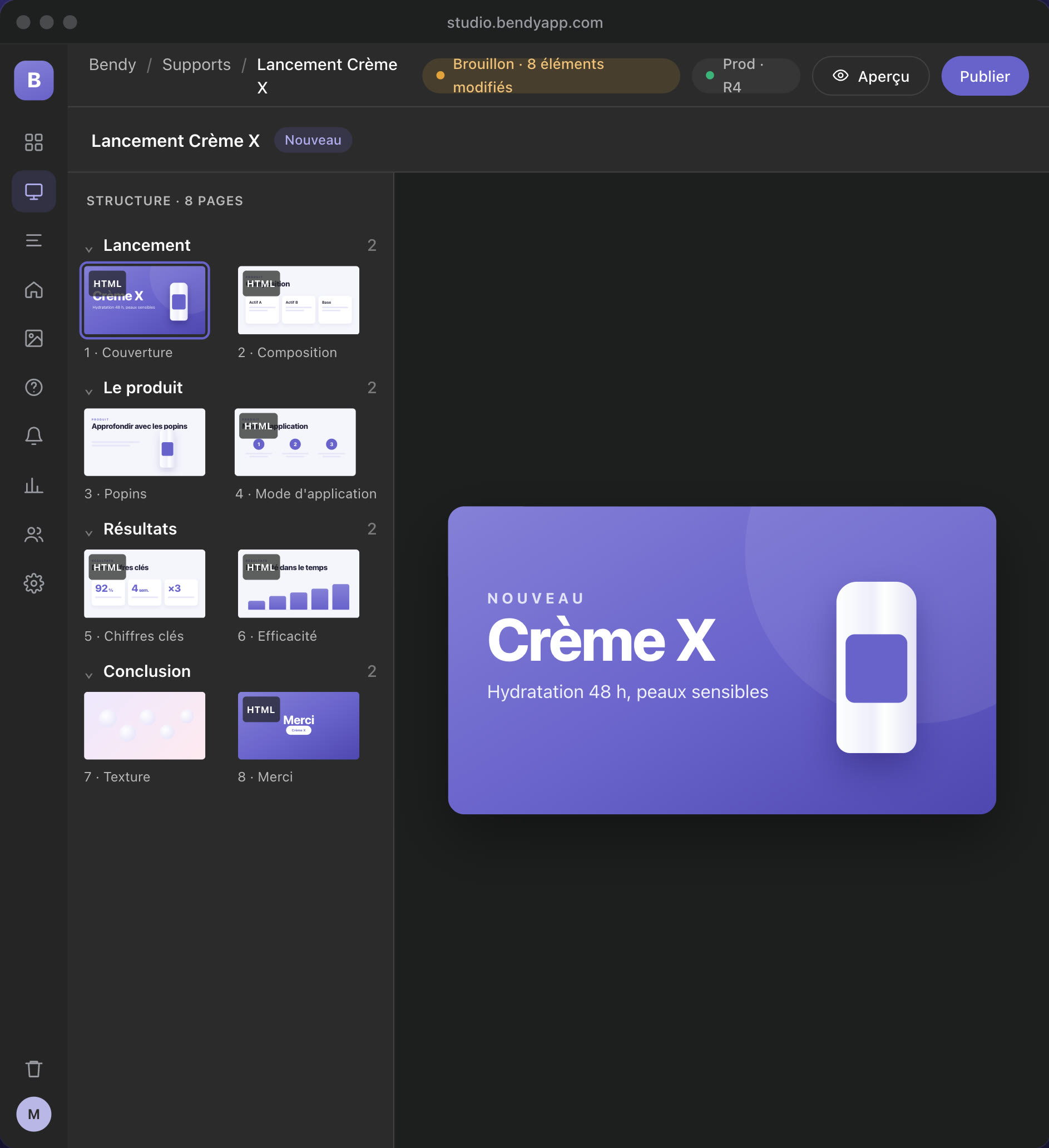
Review it in the Studio
Sections, pages and visuals arrive as a draft, in your brand colours. Nothing reaches the field until you approve it.
02Polish in the Studio
Every detail, no developer needed.
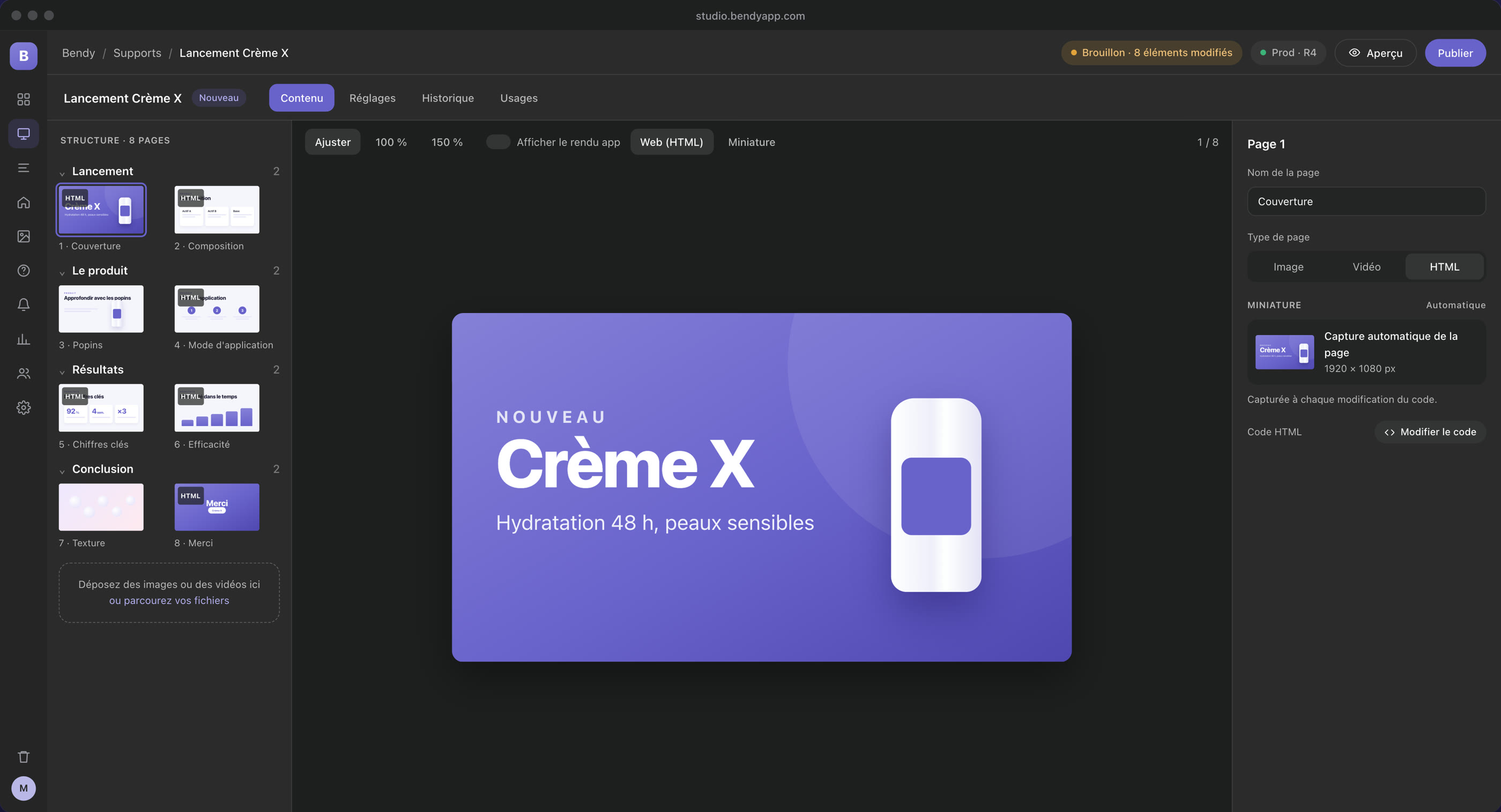
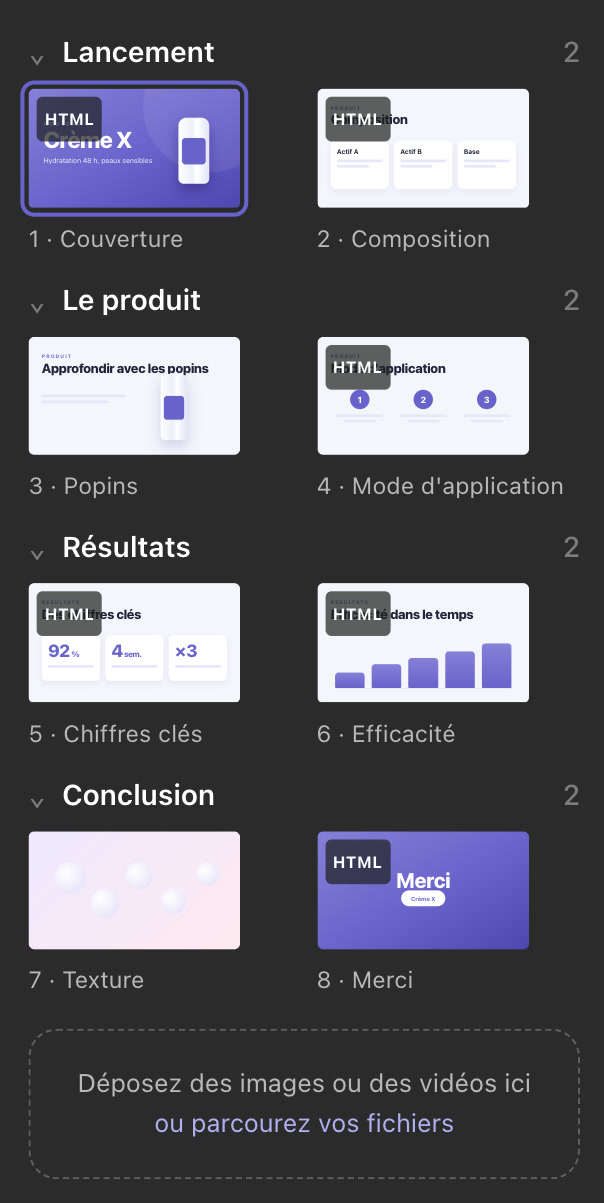
Image, video or animated HTML pages, pop-ups, menus and home screen: the marketing team adjusts everything itself and sees how it will look in the app.
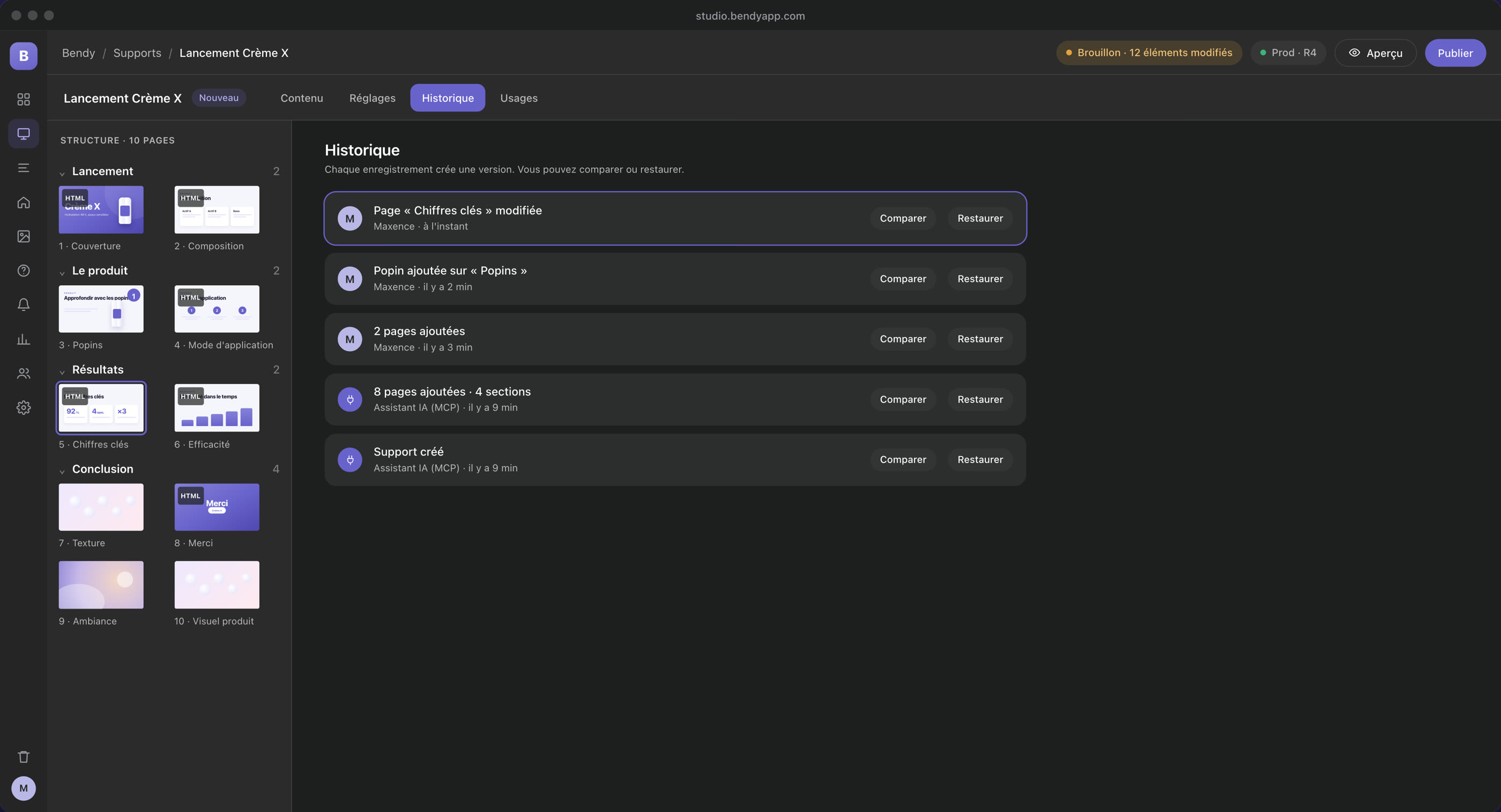
History
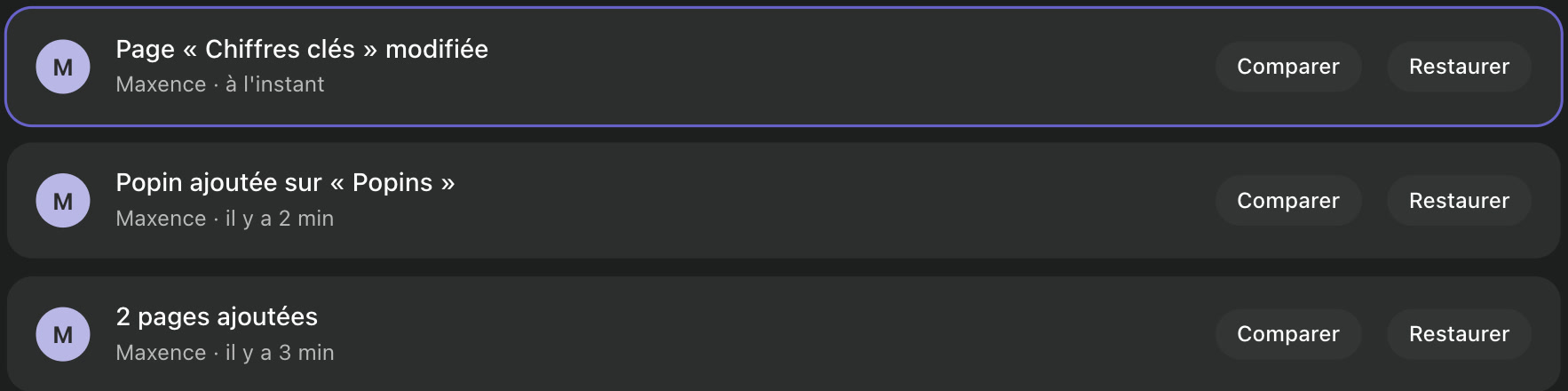
Every version is kept.
Every change is recorded, with who made it and when, including changes made by the AI. Compare two versions and roll back in one click.
03Publish
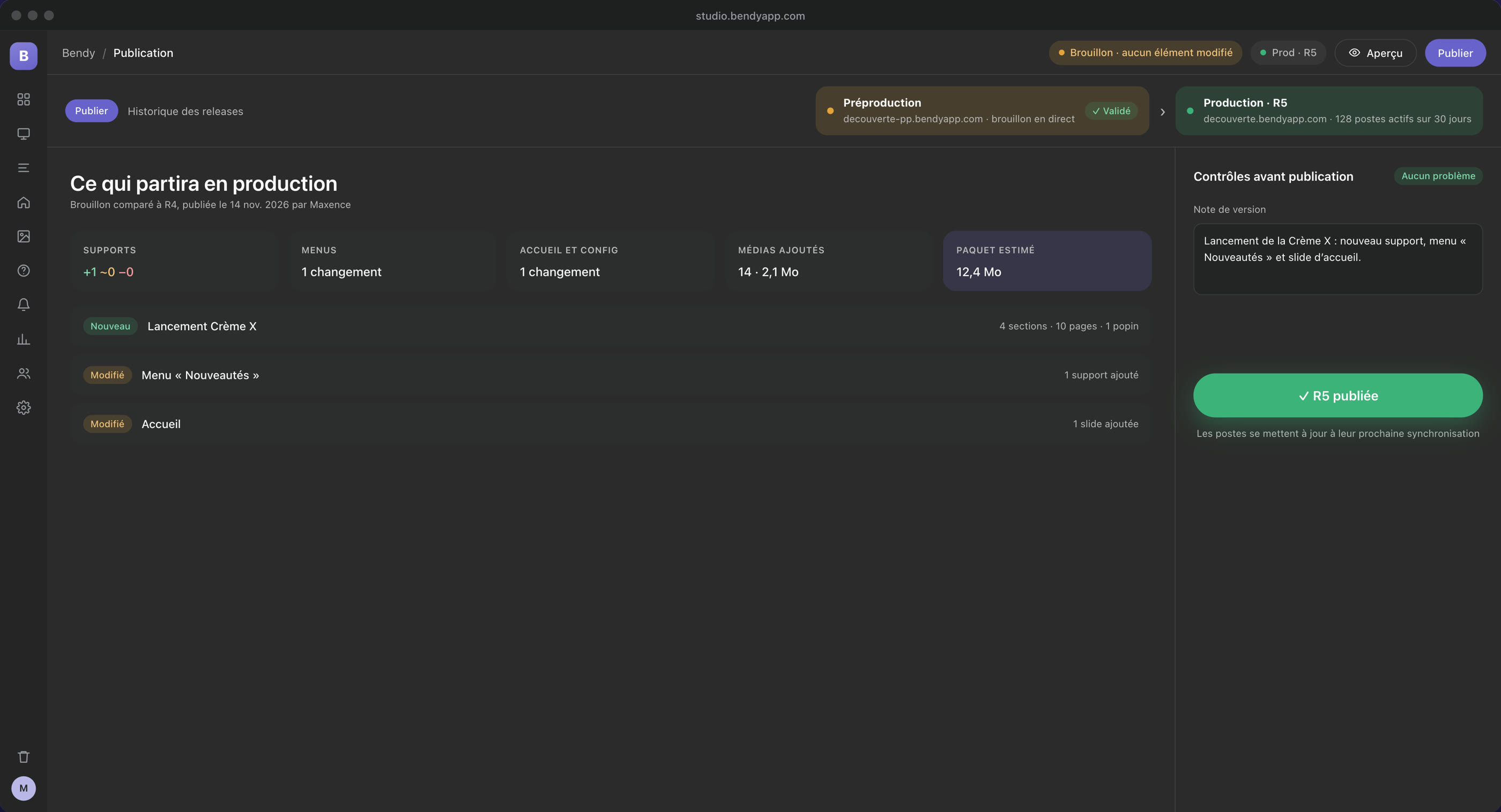
Approved, then on every device.
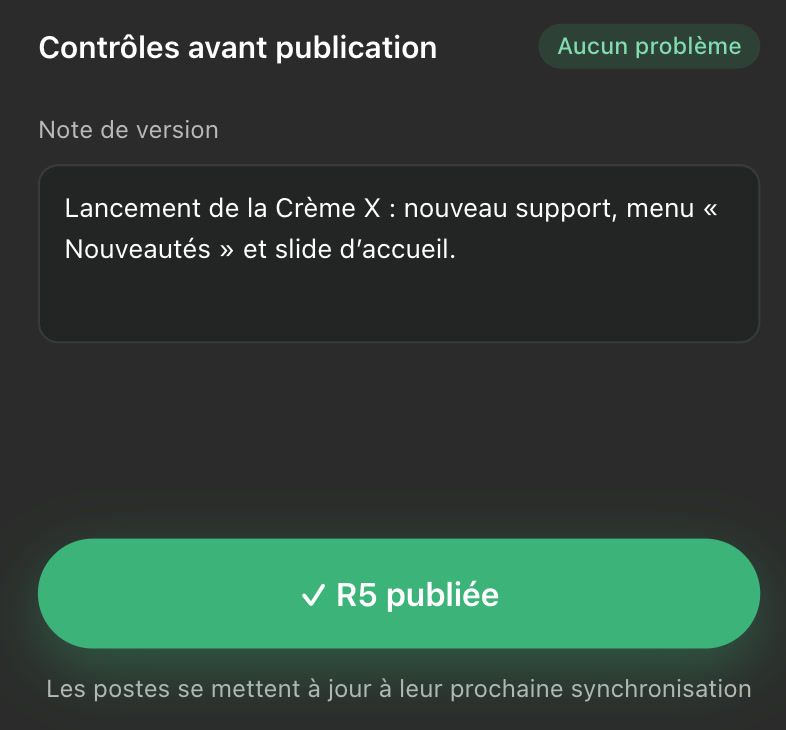
Review in staging, get approval, publish. You see exactly what goes to production, and each device receives the new version at its next sync.
04Present in the field
Your pages come alive in front of your customers.
Animations, pop-ups, before / after sliders, diagnostic quizzes: pages built in the Studio come alive in the app, on iPad, Mac or PC, even offline.
05Measure
Know which slides really matter.
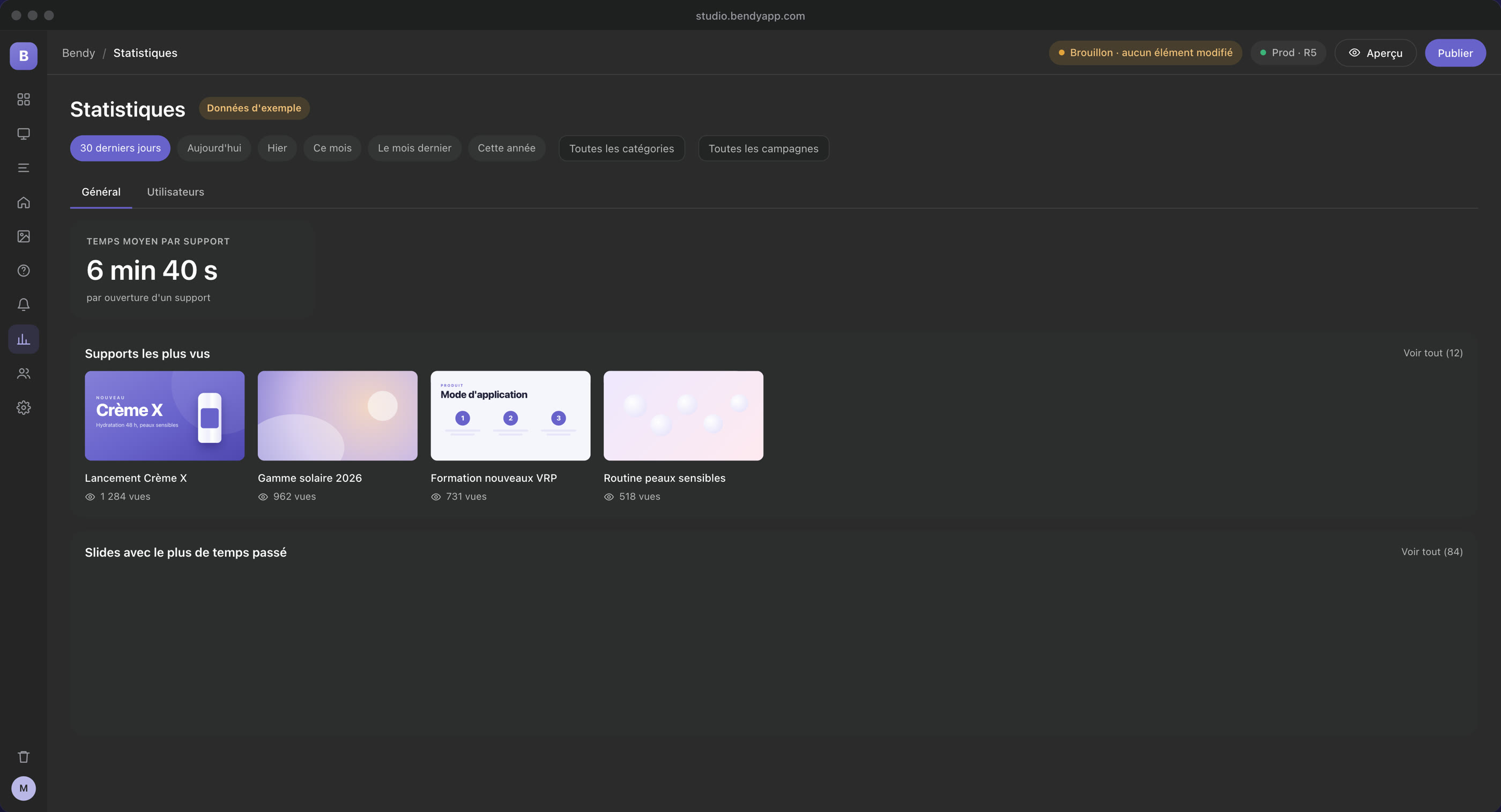
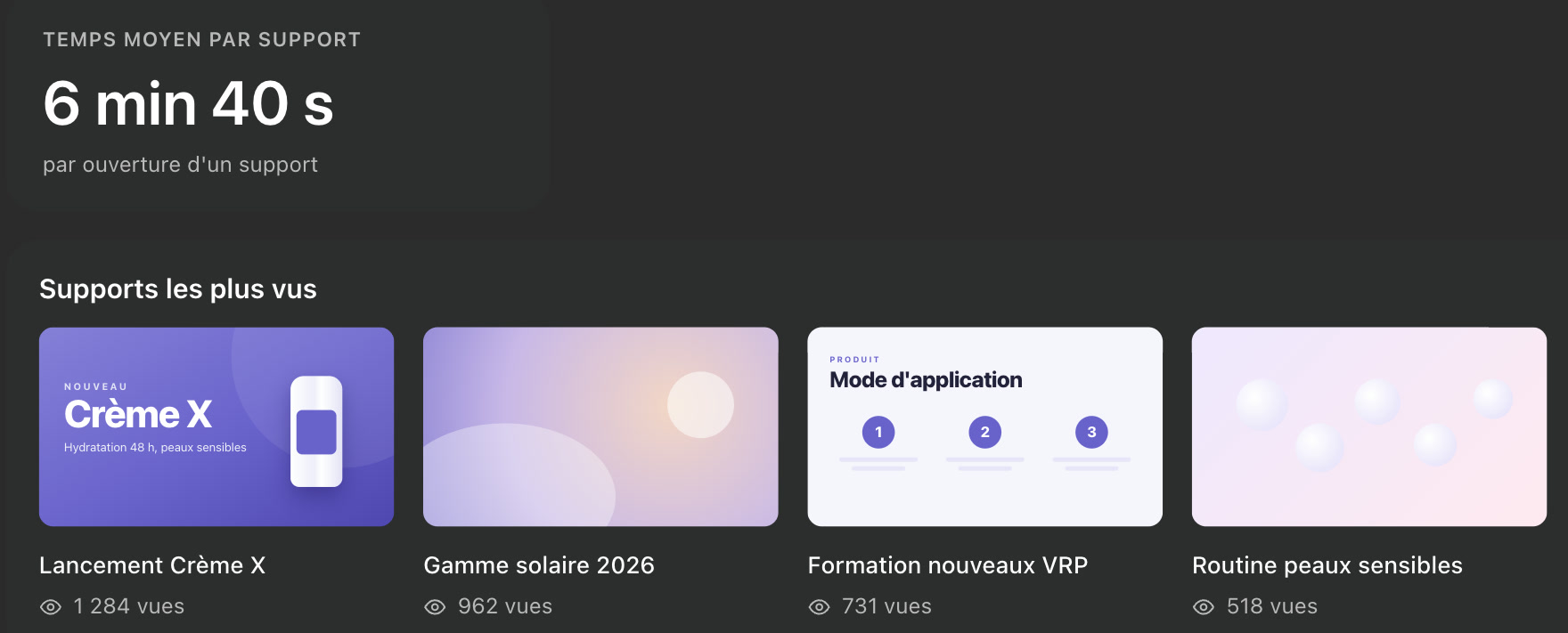
After meetings, statistics flow back into the Studio: time spent per presentation and per slide, most viewed presentations, activity of each user.











Integrations
Bendy connects to all your tools.
Bendy works with your sales, marketing and communication tools, without changing the way you work.
MCP connector
Claude, ChatGPT, Copilot or Gemini create, edit and analyse your presentations right in the Studio, with your account’s permissions.
API
Accounts, content and statistics flow to and from your CRM, your storage or your automations: Salesforce, HubSpot, Microsoft 365, Zapier, Make, n8n…
For your IT team
Your accounts, your rules.
Bendy fits the practices of large companies, without adding yet another password.
Microsoft sign-in
Your teams sign in with their work account. You can restrict a brand to your organisation.
Controlled access
Nobody creates their own account: you grant, block and remove access from the Studio.
One database per brand
Each brand’s content and accounts are kept separate and backed up every night.
AI under your control
The assistant only acts with your account’s permissions, and only on drafts: publishing remains a human decision.
On everyone’s device, even without a network.
Let’s look at your presentations together.
A 30-minute demo: we use AI to create a presentation from one of your product sheets, then publish it to the app.
Or write to us: contact@bendyapp.com